Sell from a smartphone or tablet
Use the POS across tablets, phones, or desktop counters with the same synced catalog.
Run your operations smoothly with intelligent tools for payments, inventory, staff, customers, sales insights, and more.
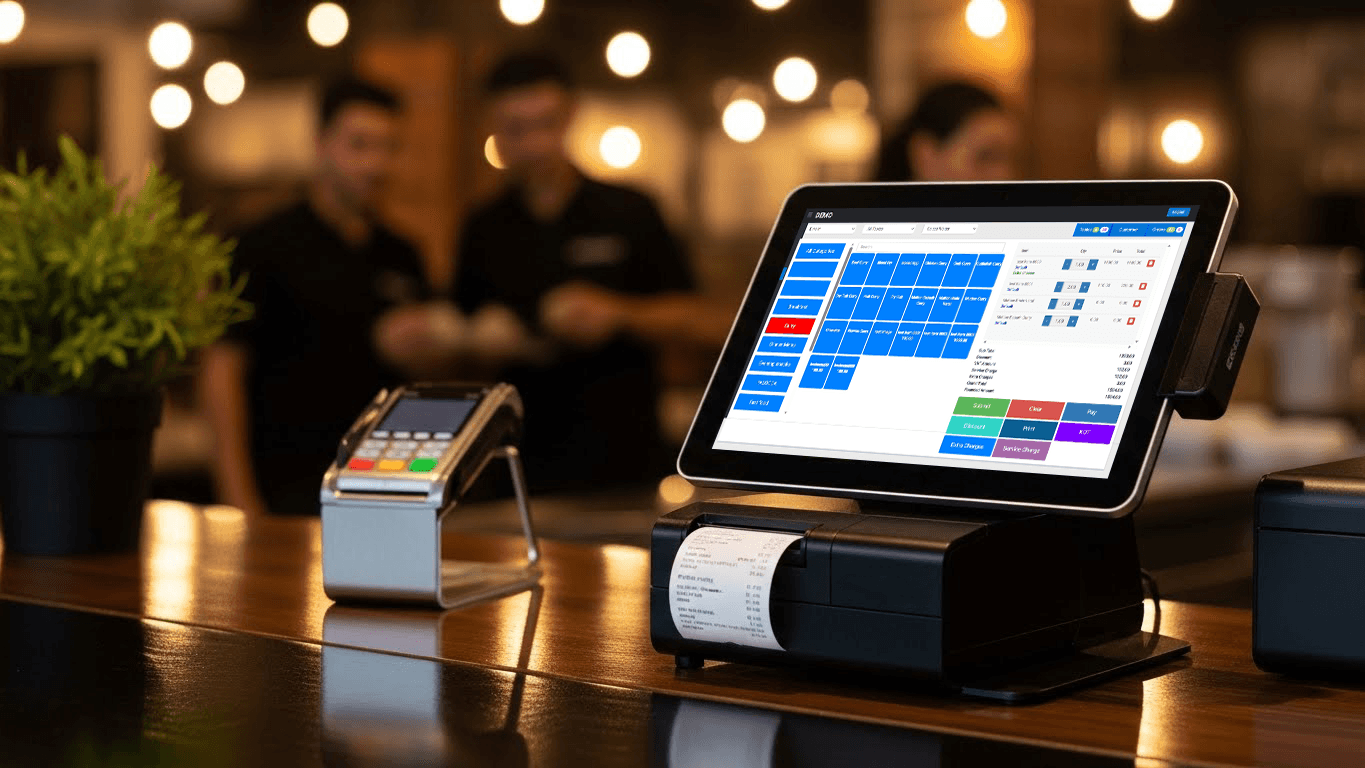
Fast checkout tools for retail counters, pop-up stores, and modern multi-device teams.
Use the POS across tablets, phones, or desktop counters with the same synced catalog.
Manage branches, stock, sales, and staff under one connected business account.
Issue paper slips, PDF invoices, or instant digital receipts after every sale.
Accept cash, card, split tender, transfer, and wallet payments in one checkout flow.
Send kitchen order tickets immediately to the right prep station or printer.
Track size, color, batch, and menu options without duplicating products.
Add extras, notes, toppings, or service adjustments with one tap.
Monitor opening floats, shift closings, and drawer reconciliation accurately.
Speed up checkout with barcode scanners, camera input, or manual SKU search.
Show live line items, totals, and promotions on a second-facing display.
Process returns, exchanges, and partial refunds with audit history built in.
Apply item or bill-level promos, coupons, and loyalty-driven price rules.
Stay on top of stock, purchasing, suppliers, and transfers without spreadsheet overhead.
Create or update large product catalogs quickly using CSV or Excel uploads.
Know current quantities and sales movement across all stores without delay.
Raise, receive, and reconcile supplier orders from a single workflow.
Move inventory between branches while keeping accountability and history.
Store contacts, invoices, order history, and outstanding balances centrally.
Organize products by brand, category, unit, and business-specific attributes.
Give managers control while keeping day-to-day cashier and team workflows simple.
Control who can refund, discount, edit stock, or view financial reports.
Track clock-ins, shift duration, and handover accountability per employee.
Review edits, voids, approvals, and transaction history for every user.
Keep employee contact details and assignment information easy to access.
Understand performance fast with operational dashboards built for owners and managers.
Follow daily, weekly, and monthly revenue changes with clear visual summaries.
See which products, menus, and categories are driving the strongest demand.
Measure margins using selling price, purchase cost, and discount impact together.
Export finance and sales data to PDF, CSV, or Excel whenever you need it.
Build repeat business with customer records, rewards, and targeted communication tools.
Save contact details, order habits, and purchase history in one CRM view.
Run loyalty points, tier benefits, or store-credit promotions with less manual work.
Send receipts, updates, or campaigns directly to customers on familiar channels.
Review past visits and basket behavior to personalize your service.
Support kitchen, table, takeaway, and delivery operations from the same POS backbone.
Route orders to the bar, grill, or prep station with accurate ticket handling.
Manage table layouts, open tabs, bill splitting, and seated service flows.
Handle multiple order types without switching systems or duplicating menus.
Track order progress digitally for faster prep and better handoff timing.
Keep stores informed with messaging, reminders, and business-critical operational alerts.
Push item lists and updates into messaging channels for quick customer responses.
Notify teams about low stock, price changes, unusual sales, or pending tasks.
Reach customers during promotions, holidays, or restock events with segmented outreach.
Send purchase confirmations and follow-ups automatically after each order.
Still need help?
Contact our engineering support team for custom integrations and rollout guidance.
Yes. Your sales, inventory, and reporting stay in sync across branches and devices in real time.